15+ Years of experience
4.8 Average rating

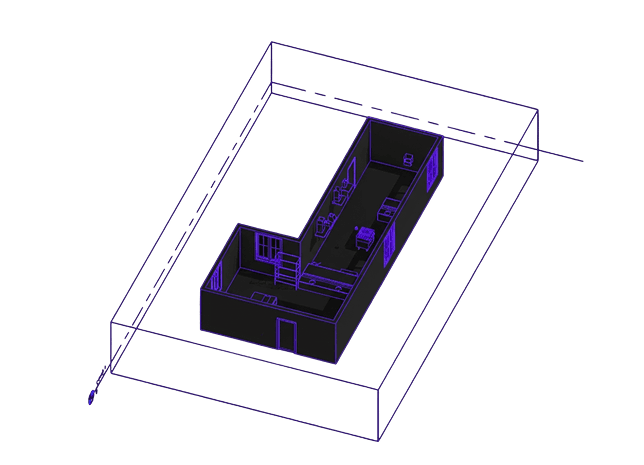
Reimagine your Autodesk routines with custom plugins

Use smarter Tools for AEC, 10x efficiency. Cut work time. Reduce errors.

Service image

Sounds familiar to you?

Stop stressing about

Fixed Price Icon.svg

Repetitive manual work

Turn hours of manual work into minutes with custom plugins and automations.

Time Option Icon.svg

Slow standards management

Custom plugins create a unified system for your team, helping standardize best practices across departments.

Outstaff Icon.svg

Broken software integrations

Keep your tools and product catalogs in one place for easier access and smoother workflows.

We leverage industry-leading tools and technologies to deliver top-tier solutions.

AutoCAD.svg
Revit.svg
Autodesk 3d.svg
Api code.svg
python.svg
c-.svg
docker.svg
atlassian.svg

How we have helped others

See our cost-effective plugins. We can build you your own too

Tag solver.png
Tag solver Icon.svg

TagSolver

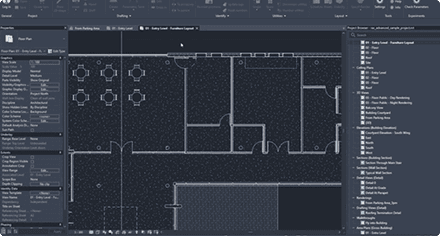
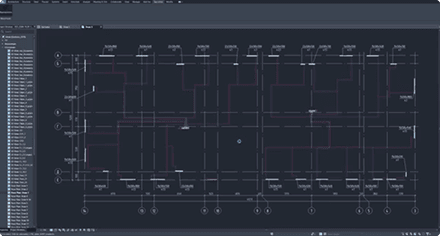
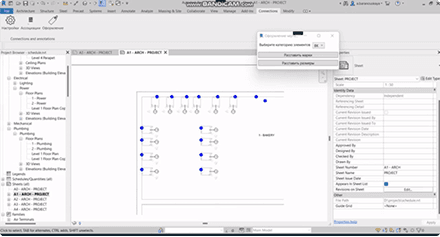
This plugin enhances your workflow by automatically adjusting the placement of tags.

It ensures that tags are evenly spaced and never overlap, providing a cleaner and more organized layout. This feature saves time and improves the readability of your drawings, making your design process more efficient and professional.
90%

Covers at least 90% of tags; you'll handle the remaining 1-10%.

PlaceMarker.png
Map Point Wave.svg

PlaceMarker

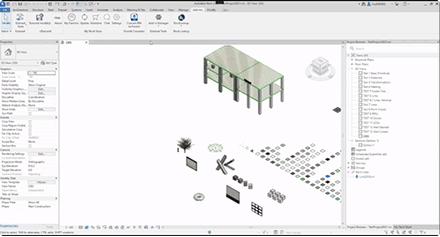
The “Placer Marker” plugin for Revit is designed to enhance the efficiency and accuracy of placing markers within your Revit projects.

This tool simplifies the process of adding and managing markers, ensuring your models are well-documented and easy to navigate.

up to 6h

Reduce time spent on placing markers in medium to big projects.

HoReCa design.png
Chef Hat.svg

HoReCa design

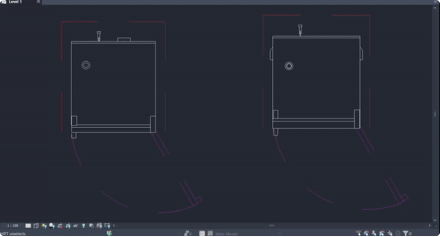
The plugin is a set of tools designed for modeling.

It includes various families of objects that can be used to create detailed models of kitchens, storage cabinets, and more.

These tools are particularly suitable for interior designers and architects, allowing them to work with exact dimensions and count the number of modules or elements needed for their designs.

2x

Enhanced efficiency and accuracy in the modelling phase.

Parametric Revit Families Store.png
Cart Large 4.svg

Parametric Revit Families Store

Lets users to explore and manage a wide range of Revit models effortlessly within the built-in Store.

Enjoy features like automatic license verification and integrated watermarking to protect your content.

The plugin displays items, verifies purchases and licenses, downloads and inserts families into Revit.

+33%

Customer retention rate.

Parameters tofrom Excel.svg
Export.svg

Parameters to/from Excel

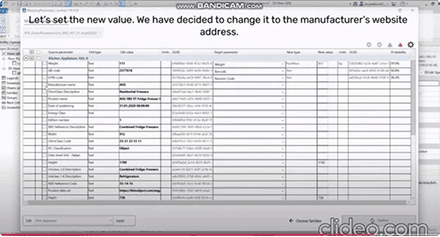
The main function is to effortlessly transfer data between your software of choice and Excel, enhancing productivity and accuracy in your projects.

Simplify parameter management and increase efficiency.

5

Minutes it takes to transfer your data.

Parameters Manager.png
Routing 3.svg

Parameters Manager

The Parameters Manager is a valuable tool for ensuring consistency and compatibility in foodservice equipment design projects, facilitating the use of a standardized approach to parameter management within the Revit environment.

The tool includes a feature, which allows companies to align their Revit family databases with these industry standards

-50%

Reduce time spent on parameter management.

Reorder.svg

Data Migration

We seamlessly migrate your existing CRM data to HubSpot, ensuring no loss of information and minimal disruption to your operations.

95%

That’s how much of your data will be migrated without friction.

Not sure how to improve your workflows?

Let’s have a chat and find out together! 15 minutes of your time and we’ll have your next steps mapped out.

Get a free consultation

Related insights

Read out articles on various topics related to Autodesk software & how to increase its efficiency.

F.A.Q.

Frequently asked

Can you integrate Revit with our software or cloud systems?

Yes. We connect Revit to ERP, CRM or databases using secure APIs and webhooks.

How long does a custom plugin take to develop?

It usually takes 4–8 weeks for a simple automation (one‑click reports, smart families, exports) and 2–6 months for a larger multi‑module tools with user roles, cloud sync, and integrations. The exact time depends on scope and complexity.

What if I have only an idea for a Revit plugin. Can you help me formulate the requirements?

This is very common. We start with a quick review of your workflows and pain points, then turn them into a structured requirements document and pass it on to our developers.


What if the scope changes during the project?

We work in short sprints and keep a visible backlog. New requests become additional items, and we agree on time and budget before starting them, so you stay in control.


Can we continue developing the plugin in‑house with our own team?

Yes. Upon request, we deliver the full source code and documentation, so your team can extend or maintain it later.

Build an efficient solution to your problem

My consultation is free.

No strings attached.

Let’s connect and build a solid IT foundation for your business.

Yaroslav Zhmayev

Yaroslav Zhmayev

Solution Architect, CTO

Services
Budget